Best Squarespace Alternatives for Small Business
Discover the best Squarespace alternatives for small businesses in 2026. Explore platforms like Wix and Shopify that better suit your needs.

Which Squarespace alternatives should you actually use?

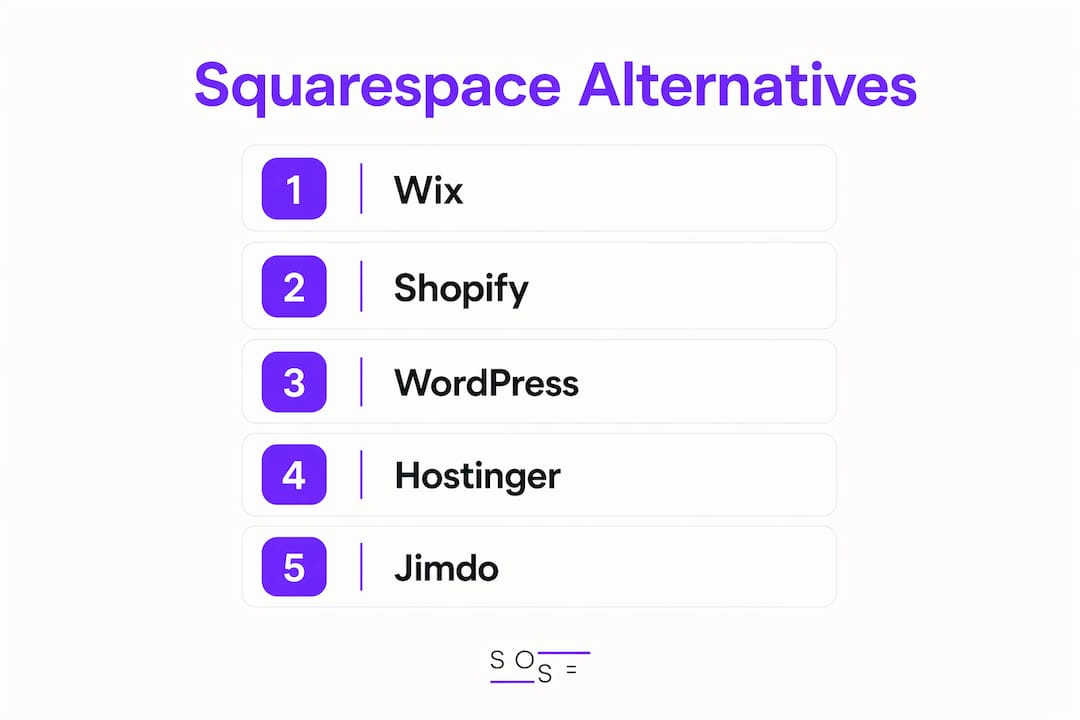
The short answer: Wix for marketing, Shopify for ecommerce, WordPress for full control, and Hostinger if budget is your first filter. Those four cover the majority of use cases where Squarespace falls short. But the full picture is more nuanced, and the right pick depends on where your business is headed, not just where it is today.
Expert reviews consistently point to the same friction points: Squarespace's pricing starts at a moderate rate and increases for advanced features; its Personal plan charges transaction fees, and its "walled garden" structure makes migration genuinely painful. Those aren't deal-breakers for everyone, but they become real problems as you scale.
The 21 platforms below represent the full range of what's available in 2026, from free one-page builders to enterprise-grade ecommerce engines. Each one solves a specific Squarespace limitation better than Squarespace itself does.

| Platform | Best For | Starting Price | Ease of Use | Design Flexibility | Ecommerce | Marketing Tools |
|---|---|---|---|---|---|---|
| Wix | Marketing and flexible customization | — | High | High | Good | Excellent |
| Shopify | Dedicated ecommerce stores | $29/mo | Medium | Medium | Excellent | Good |
| WordPress | Full customization and scalability | ~$10/mo (hosting) | Low-Medium | Excellent | Via WooCommerce | Via plugins |
| Hostinger | Budget sites with AI tools | $2.99/mo | High | Medium | Good | Good |
| Jimdo | Hands-off AI site building | Free / $11/mo | Very High | Low | Basic | Basic |
| Webflow | Design freedom and agencies | — | Low | Excellent | CMS plan+ | Good |
| Weebly | Simple stores and beginners | $10/mo | High | Medium | Good | Basic |
| GoDaddy | Fast, low-cost starter sites | — | Very High | Low | Basic | Basic |
| FORMAT | Creative portfolios | $7/mo | High | Medium | Limited | Basic |
| Pixpa | Photography websites | $7/mo | High | Medium | Basic | Basic |
| SITE123 | Quick, simple site creation | Free / paid | Very High | Low | Limited | Basic |
| Strikingly | One-page sites and landing pages | Free / $8/mo | Very High | Low | Limited | Basic |
| Webnode | Small business sites with AI | Free / $3.90/mo | High | Medium | Basic | Basic |
| IONOS Website Builder | Budget sites with AI and domain | $1/mo (first year) | High | Medium | Basic | Basic |
| Gator | Small businesses needing marketing | $3.84/mo | High | Medium | Good | Good |
| Kartra | Marketing funnels and automation | $99/mo | Medium | Medium | Good | Excellent |
| Showit | Creative professionals | $19/mo | Medium | High | Via WordPress | Basic |
| Carrd | One-page personal or business sites | Free / $9/yr | Very High | Low | Limited | Basic |
| Framer | Interactive portfolios with AI | Free / $5/mo | Medium | High | Via integrations | Good |
| Duda | Agencies and multi-client management | $19/mo | Medium | High | Good | Good |
| Webador | Beginners and simple sites | Free / $4.50/mo | Very High | Low | Basic | Basic |
***
Detailed profiles: what each platform actually delivers
Wix
Wix offers over 2,500 templates and a drag-and-drop editor that lets you place elements anywhere on the page, which is a genuine step up from Squarespace's grid-locked Fluid Engine. Its built-in Wix Bookings and email marketing tools are included in your plan, whereas Squarespace charges extra for Acuity Scheduling and its email marketing add-on. Pricing runs from a low monthly starting price to a higher tier billed annually, with a free plan available for testing.
The tradeoff is cost at the ecommerce tier. Wix's Core plan starts at a higher monthly price than Squarespace's entry-level selling plan. If you're primarily running a store, that gap matters. But for a small business that needs marketing tools, booking features, and creative control in one place, Wix is the strongest all-around alternative.
Pros: 2,500+ templates, flexible editor, built-in marketing and booking tools, free plan available. Cons: Ecommerce plans cost more than Squarespace's equivalent tier; template quality is less curated. Support: 24/7 live chat and phone on premium plans. Free trial available.
***
Shopify
Shopify is built for selling products, full stop. Where Squarespace caps out at basic selling tools with a 3% transaction fee on its Personal plan, Shopify delivers multichannel selling, abandoned cart recovery, POS integration, and access to over 13,000 apps. Its three premium plans run $29–$299/month billed annually, with a promotional first three months at $1/month.
Squarespace handles service-based selling reasonably well. But if you're moving physical products, managing inventory, or selling across Instagram, Facebook, and Amazon simultaneously, Shopify is the clear upgrade. The blogging and content tools are more basic than Squarespace's, so it's a focused trade.
Pros: Best-in-class ecommerce, 13,000+ apps, multichannel selling, POS integration. Cons: More expensive than Squarespace; content and blogging tools are limited. Support: 24/7 live chat, email, and phone. No free plan, but a money-back window applies.
***
WordPress
WordPress powers a large share of the web for a reason: 60,000+ plugins and direct access to your site's code give you a level of control no hosted builder can match. The software itself is free at wordpress.org; you pay for hosting (typically $2–$15/month), a domain ($10–$30/year), and any premium plugins you need.
The learning curve is real. WordPress rewards users who are willing to dig into settings, plugins, and occasional code. For a blogger, developer, or business planning to scale aggressively, that investment pays off. For someone who wants a polished site with minimal setup time, it probably won't.
Pros: Unlimited customization, 60,000+ plugins, full code access, lower long-term cost than Squarespace. Cons: Steeper learning curve; requires managing hosting, updates, and security separately. Support: Community forums, documentation, and hosting-provider support. No official 24/7 support.
***
Hostinger
Hostinger's entry-level Premium plan costs a low monthly rate and includes an AI website builder, a free domain for the first year, and 180 templates. Its Business plan adds AI blog generator, image generator, logo maker, and SEO assistant features. That's a meaningful AI toolset at a price point well below Squarespace's $16/month base.
One nuance worth knowing: those low rates require a long-term commitment. Monthly billing costs significantly more. If you're comfortable locking in for four years, Hostinger is genuinely the cheapest capable alternative. If you prefer flexibility, the effective monthly rate changes the math.
Pros: Lowest starting price among capable builders, solid AI tools, hosting included. Cons: Best rates require a 48-month plan; only two plan tiers limits room to grow. Support: 24/7 live chat. No free plan; short free trial available.
Pro Tip: If you're comparing Hostinger's $2.99/month to Squarespace's $16/month, make sure you're comparing the same billing period. The $2.99 rate requires a four-year upfront commitment, which changes the true cost calculation.
***
Jimdo
Jimdo's AI builder generates a complete website from a short questionnaire, making it the fastest path from zero to live site on this list. The AI features are free; paid plans start at $11/month to remove Jimdo branding and connect a custom domain. Squarespace's lowest paid tier starts at $16/month with no free option at all.
The tradeoff is control. Jimdo's automated approach works well for simple business sites but leaves little room for customization once the AI has done its work. Think of it as the right tool for speed, not for precision.
Pros: Free AI site generation, fast setup, affordable paid plans. Cons: Very limited design customization; not suited for complex or growing sites.
***
Webflow
Webflow sits between a website builder and a full development environment. Its visual editor maps directly to CSS and HTML logic, which means designers can build pixel-perfect layouts, custom animations, and exportable code without writing a line. It's the top alternative for agencies and designers who feel constrained by Squarespace's Fluid Engine. Plans start at a moderate monthly price.
It's not for beginners. If terms like "overflow," "flex container," and "min-width" don't mean anything to you, Webflow's interface will feel overwhelming. But for a design-led agency managing multiple client sites, the collaboration features and design precision are hard to match.
Pros: Pixel-level design control, exportable code, advanced collaboration tools, 1,000+ templates. Cons: Steep learning curve; not beginner-friendly; ecommerce requires higher-tier plans. Support: Community forum, documentation, and live chat on paid plans.
***
Weebly
Weebly is a straightforward builder that supports ecommerce on paid plans, starting at a low monthly price. It's owned by Square, which means payment processing integrates cleanly. The template library is smaller than Wix or Squarespace, and the editor is less flexible, but for a simple online store or small business site, it gets the job done without a steep learning curve.
It's worth noting that Weebly's development has slowed since the Square acquisition. If long-term platform investment matters to you, that's a factor to weigh.
Pros: Easy to use, ecommerce on all paid plans, clean Square payment integration. Cons: Limited template variety; slower platform development post-acquisition.
***
GoDaddy
GoDaddy starts at an affordable monthly price and gets a basic site live faster than almost any other builder on this list. The setup wizard is genuinely quick. The design ceiling, however, is low. Templates are functional but lack the visual polish Squarespace is known for, and the customization options are limited.
GoDaddy makes sense for a local business that needs a credible web presence fast and isn't prioritizing design differentiation. It's a starter tool, not a long-term platform for growth.
Pros: Very fast setup, affordable pricing, free plan available. Cons: Limited design quality and template variety; basic ecommerce requires the most expensive plan at $20.99/month.
***
FORMAT
FORMAT focuses on portfolio and creative marketing sites, with a template library built specifically for photographers, designers, and artists. Plans start at $7/month. The platform handles client proofing, print sales, and gallery presentation better than Squarespace's general-purpose templates do for creative work.
If your primary goal is showcasing a creative body of work rather than running a full business site, FORMAT's focused toolset is worth considering over a more general builder.
***
Pixpa
Pixpa targets photographers and visual creatives with a clean interface and portfolio-focused templates. Starting at $7/month, it covers the basics: galleries, client proofing, a simple online store, and a blog. It doesn't compete with Wix or Shopify on feature depth, but for a photographer who wants a professional portfolio without complexity, it's a practical choice.
***
SITE123
SITE123 costs roughly half what Squarespace charges and is one of the simplest builders available. There's no drag-and-drop editor; you work within a structured framework that keeps pages clean but limits creative control. It lacks built-in store analytics and has limited third-party integrations. For a simple informational site or a first web presence, it works. For anything more complex, it runs out of runway quickly.
***
Strikingly
Strikingly is built for one-page websites and landing pages. It works by stacking section templates vertically, which makes setup fast but limits layout variety. The free plan is functional; paid plans start at $8/month. Ecommerce integrations are limited, so it's best suited for personal sites, event pages, or simple product launches rather than ongoing stores.
***
Webnode
Webnode offers AI-assisted site creation and multilingual support, with a free plan and paid tiers starting at $3.90/month. It's a solid choice for small business owners who need a basic site in multiple languages without a large budget. The feature set is modest compared to Wix or Squarespace, but the price reflects that.
***
IONOS Website Builder
IONOS's Plus plan costs a very low monthly price for the first year and includes a free domain, a professional email address, an AI website builder, and an integrated booking tool. That last feature is notable: Squarespace charges extra for appointment scheduling, while IONOS includes it at the entry level. After the first year, pricing increases, so check the renewal rate before committing.
***
Gator
Gator, from HostGator, is a drag-and-drop builder with integrated ecommerce and marketing tools starting at $3.84/month. It's a reasonable option for small businesses that want marketing and selling capabilities without paying Wix or Shopify prices. The template library is smaller, and the platform lacks the polish of top-tier builders, but it covers the functional basics.
***
Kartra
Kartra is a different kind of tool. It's an all-in-one marketing platform that includes a website builder alongside email automation, sales funnels, membership sites, and CRM features. Plans start at $99/month, which is significantly more expensive than any other option on this list. That price makes sense for a marketer or course creator who would otherwise pay for five separate tools. It doesn't make sense for a small business that just needs a website.
***
Showit
Showit is a drag-and-drop builder favored by photographers and creative professionals for its design flexibility. It pairs with WordPress for blogging, which gives you Showit's visual freedom alongside WordPress's content management. Plans start at $19/month. The combination works well for creatives who want a visually distinctive site without learning Webflow's complexity.
***
Carrd
Carrd is the most affordable option on this list for a one-page site. The free plan is genuinely useful; paid plans start at $9/year. It's built for personal sites, landing pages, and simple business profiles. There's no ecommerce to speak of, and multi-page sites aren't its strength, but for a single-purpose page, nothing beats its price-to-function ratio.
***
Framer
Framer combines a modern design editor with AI site generation and interactive animations. A free plan is available; paid plans start at $5/month. It's particularly strong for portfolio sites and marketing pages where motion and visual polish matter. Framer offers 500+ templates with interaction-heavy designs that Squarespace's static templates can't replicate. The ecommerce story is thin, handled through third-party integrations rather than native tools.
***
Duda
Duda is built for agencies managing multiple client sites. Its container-based editor, developer mode for CSS and HTML, and multi-site management tools make it the most agency-focused builder on this list. Plans start at $19/month. For a solo business owner building one site, it's more platform than you need. For an agency billing clients for web work, its collaboration and white-label features are genuinely useful.
***
Webador
Webador is a beginner-friendly builder with a clean interface, basic ecommerce, and a free plan. Paid plans start at $4.50/month. It's straightforward to use and gets a simple site live quickly, but it doesn't offer the depth of Wix or the design flexibility of Webflow. For a first-time site owner who wants something up fast without a learning curve, it's a reasonable starting point.
***
How to choose the right Squarespace alternative for your needs
The most common mistake is picking a platform based on price alone. The second most common is picking based on features you don't actually need yet. The right approach is to identify your single biggest pain point with Squarespace, or your clearest requirement if you're starting fresh, and let that drive the decision.
Expert analysis consistently shows that marketing needs point to Wix, design flexibility points to Webflow, and ecommerce scaling points to Shopify. That's a useful shortcut, but here's how to think through it more precisely:
- Budget is your first filter. If you're spending less than $10/month, your realistic options are Hostinger, IONOS, Webador, Carrd, or SITE123. Each covers basic needs but limits growth.
- Ecommerce depth matters more than you think. Squarespace handles service-based selling and simple product stores reasonably well. If you're moving more than a few dozen products, managing inventory across channels, or need abandoned cart recovery, Shopify is the only platform on this list built for that at scale.
- Design flexibility has a learning curve cost. Webflow gives you more control than any other builder here, but it requires time to learn. Wix gives you meaningful flexibility without that investment. Know which trade you're making.
- Marketing tools vary widely. Wix includes booking, email marketing, and a referral program builder in its plans. Squarespace charges extra for those. Kartra goes further with full funnel automation, but at a much higher price point.
- Scalability deserves a three-to-five-year view. Long-term growth planning is where most people underinvest when choosing a builder. A platform that's easy today but locks you into limited integrations or charges escalating fees as you grow can cost more in the long run than a steeper upfront learning curve.
Pro Tip: Before committing to any platform, map out what your site needs to do in three years, not just today. A builder that's perfect for a five-page portfolio site may become a bottleneck the moment you add a blog, a store, or a booking system.
The migration question also matters. Squarespace's all-in-one model makes exporting your full site code difficult, which creates real friction when switching platforms. WordPress and Webflow both allow full code export. Wix and Shopify have import tools that handle most content migration, though some manual work is typically required. Budget time for migration, not just setup.
***
Why users leave Squarespace: the real limitations
Squarespace is genuinely good at what it does. The templates are polished, the editor is approachable, and the all-in-one model removes a lot of setup friction. But users consistently cite the same set of frustrations when they start looking for alternatives:
- Transaction fees on lower plans. The Personal plan charges 3% on every sale. That adds up fast for any store doing real volume, and it's a fee that Shopify, Wix, and Hostinger don't charge when you use their native payment tools.
- Limited third-party integrations. Squarespace Extensions offers around 40 third-party apps. Wix has 500+. Shopify has 13,000+. If your business relies on specific tools for dropshipping, CRM, or marketing automation, Squarespace's integration library will likely fall short.
- Restrictive SEO controls. Squarespace handles basic SEO well, but advanced controls like custom schema markup, granular redirect management, and full technical SEO access require workarounds or aren't available at all. For businesses where search visibility drives most of their traffic, that's a real constraint.
- Template rigidity. The Fluid Engine editor improved things, but Squarespace's layout system still restricts pixel-level placement. You're working within a structure, not designing freely.
- Pricing that climbs with features. The base plan is $16/month. Email campaigns, scheduling, and advanced analytics are add-ons. By the time you've assembled a full marketing stack on Squarespace, you're often paying more than a comparable Wix or Kartra plan would cost.
- Difficult migration. Squarespace's walled garden means you can't export your full site code. Moving to another platform requires rebuilding content manually or using third-party migration tools, which adds cost and time.
The ease-of-use that makes Squarespace attractive early on is also what constrains it later. Platforms that are easy to start with often trade away long-term flexibility, and Squarespace is a clear example of that pattern. For a business that's growing, those limits become the reason to switch.
***
SOSEI offers a different approach to building your web presence
All 21 platforms above are self-serve builders. You pick a template, configure settings, and maintain the site yourself. That works well for many businesses, but it's not the only path.
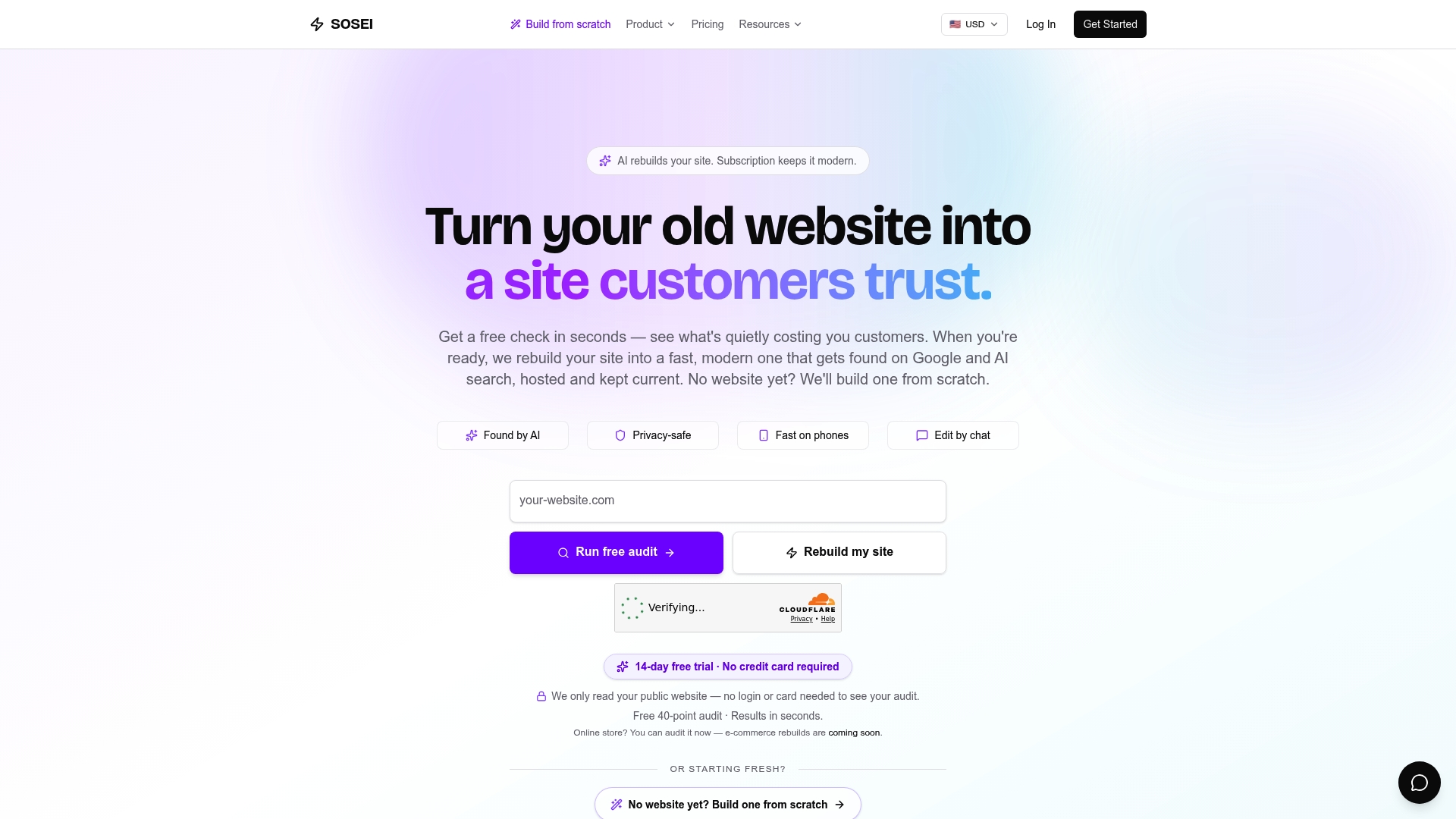
Sosei is an AI-powered website rebuilding service that takes a different approach entirely. Rather than handing you a template and a drag-and-drop editor, SOSEI rebuilds your site from the ground up, using AI trained across 160+ industries to produce a mobile-first, multi-page site optimized for Google search, AI-driven queries, and voice assistants. Every rebuild includes WCAG 2.1 AA as the accessibility build standard, GDPR-ready privacy pages, and structured data that helps your site get cited by AI platforms like ChatGPT and Perplexity, not just ranked by Google.
The practical difference is time and expertise. A self-serve builder requires you to learn the platform, make design decisions, configure SEO settings, and keep up with compliance changes as laws evolve. SOSEI handles all of that as part of the subscription, with real-time updates and a chat-based editing system for ongoing changes. If you'd rather spend your time running your business than managing a website, SOSEI's AI rebuild approach is worth a serious look.
It's not a replacement for Shopify if you're running a high-volume store, and it's not Webflow if you need pixel-level design control. But for a small business owner who wants a professional, compliant, search-optimized site without the re-do treadmill of self-serve builders, SOSEI is a genuinely different option. You can see the full feature set at sosei.site/features.
***
Key Takeaways
The best Squarespace alternative depends on your primary need: Wix for marketing, Shopify for ecommerce, WordPress for full control, and Hostinger for budget-first users.
| Point | Details |
|---|---|
| Match platform to primary need | Wix suits marketing, Shopify suits ecommerce, WordPress suits full customization, Hostinger suits tight budgets. |
| Watch the real cost of "cheap" plans | Hostinger's $2.99/month rate requires a 48-month commitment; monthly billing costs significantly more. |
| Squarespace's main limits | Transaction fees on lower plans, roughly 40 third-party integrations, restrictive SEO controls, and difficult migration drive most users to switch. |
| Plan for three to five years | A platform that fits today may constrain growth; ease of use often trades away long-term flexibility. |
| SOSEI as an alternative approach | SOSEI's AI rebuild service delivers a mobile-first, compliant, SEO-optimized site without self-serve setup or ongoing maintenance work. |