How to Claim Your Business in ChatGPT
OpenAI now lets businesses claim their profile in ChatGPT. Who can do it today, how to verify your business, and what your website needs to get right.
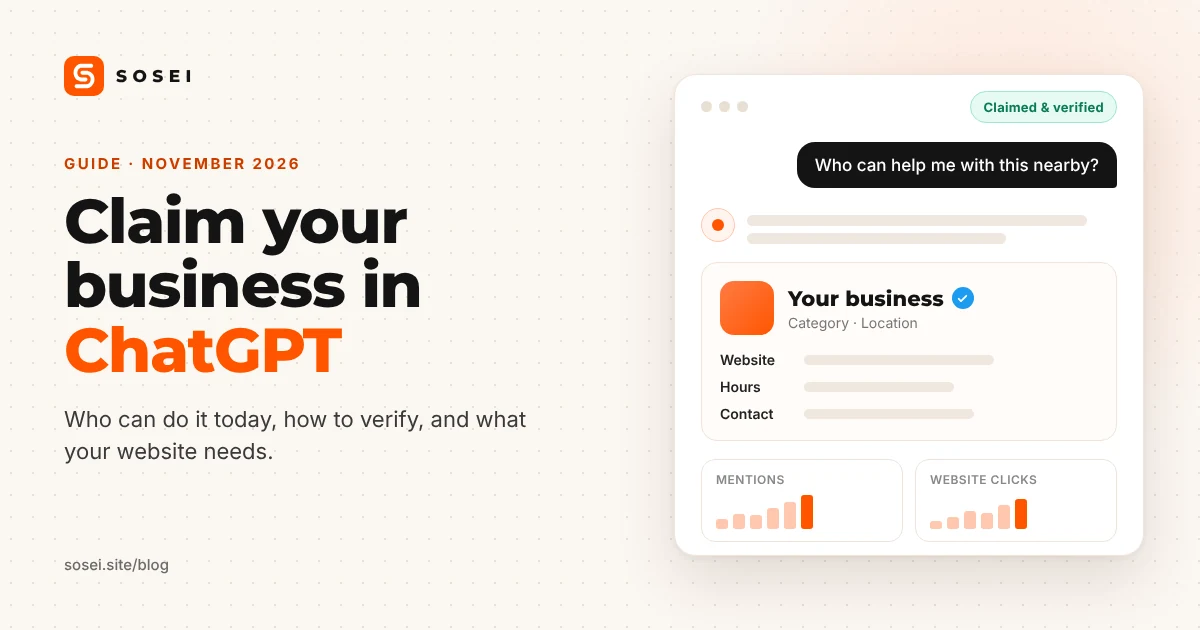
On 10 November 2026 OpenAI opened Businesses in ChatGPT in beta. It gives business owners something they have had on Google for years: a profile they can claim, keep up to date and learn from. When someone asks ChatGPT about a product, a service or a place, ChatGPT may now use the details the business itself has confirmed.
If your customers already ask AI assistants for recommendations, this is worth setting up. Here is what it is, who can use it today, and how to do it.
What Business Hub gives you
Everything happens in Business Hub, a new section in ChatGPT. Once your claim is approved you can:
- Keep your key details current: website, description, category, logo, cover photo, and delivery and return policies.
- Upload a product feed with prices and availability, if you sell products (through Shopify, a CSV file or a hosted feed URL).
- See insights for the past 28 days: how often ChatGPT mentions you, how many people click through to your website, and the topics you come up in. You see themes, never individual questions or chats.
- Get a blue check on your profile once your identity verification is approved.
US online shops and online services can also create a business agent that answers customer questions about their products and policies. That part is US-only for now.
Who can claim a business today
- You must own the business or be authorized to represent it.
- Online shops and online services can claim their listing where ChatGPT is available. If you can’t find yours, you may see an option to add it. Eligibility still depends on your location, type of business and industry, and on OpenAI’s verification checks.
- Local stores and restaurants can currently claim only an existing listing in the US. If you run a salon, a clinic or a shop elsewhere, you may have to wait. You can still get everything else ready (see below).
- At launch, claiming is for businesses with a website.
You don’t need an Ads account or an Enterprise agreement, and OpenAI doesn’t list a fee for claiming.
Before you start: a short checklist
- The owner, or a person authorized to act for the business.
- A government-issued ID, the business registration details and proof that you can represent the business. OpenAI checks these through its verification partner, Persona.
- Access to one way of proving the business is yours: the business phone, a business email address, your domain’s DNS settings, or your Shopify store.
- The ChatGPT account that will manage the business. Our tip: use a company account rather than an employee’s personal one.
- Your name, address and registration number written exactly as in the official business register. The verification fails if they don’t match.
How to claim your business, step by step
- Open Business Hub. Sign in to ChatGPT and open Business Hub from the sidebar, or go to chatgpt.com/business-hub. Search for your business by name.
- Pick your listing. Select the one that matches your business and confirm the account you’ll manage it with.
- Verify the claim. Choose one of the methods shown: a code by text message or call to the business phone, a code to the business email, a TXT record added to your domain’s DNS, or a connection to your Shopify store. For the domain method, copy the record exactly, wait for it to appear, then select Verify domain.
- Wait for approval. OpenAI reviews the claim and emails you its decision or a request for more information.
- Complete identity verification with Persona. You need it to publish changes, see insights, connect a product feed or create an agent. The blue check appears once it’s approved.
- Update your profile. Add your website, description, category, logo, cover photo and policies. OpenAI reviews changes before they go live, so they can take a while to show up in answers.
- Connect a product feed if you sell products.
Where your website comes in
Business Hub is one source among several. ChatGPT also reads your website and other places on the web when it answers questions about you. Three things matter:
- The same facts everywhere. Your name, address, phone number and opening hours should be identical on your website, in Business Hub and in the business register. When something changes, update all of them.
- OpenAI’s crawlers are let in. Your
robots.txtshould allow OAI-SearchBot, which powers ChatGPT’s search, and ChatGPT-User, which fetches a page when someone asks about it. See our guide to AI crawlers for the full list. - Your pages are easy to read. Clear text, structured data and an llms.txt file help AI assistants understand what you offer.
If your website runs on SOSEI, the technical part is already done. Your site allows OAI-SearchBot, ChatGPT-User and GPTBot by name (you can switch AI training off in your site settings), publishes an llms.txt file, serves a clean text version of every page to AI assistants and includes structured data. If you connected your own domain, you also know where its DNS settings live: the TXT record for ChatGPT goes to the same place as the records you added for SOSEI.
The claim itself is yours to make. It is tied to your identity, so the owner has to do it. If you get stuck on a step, write to us and we’ll point you in the right direction.
What claiming won’t do
- It doesn’t guarantee more visibility. ChatGPT keeps making independent recommendations, and advertising doesn’t influence them.
- Changes aren’t instant. They are reviewed first and can take time to appear in answers.
- A blank insight doesn’t mean zero activity. It can mean the numbers haven’t reached the reporting threshold yet.
Frequently asked questions
Can my team or an agency help?
Yes. The person who claimed the business can add teammates in Business Hub and grant an agency access. Each person uses their own ChatGPT account.
Do I need Shopify?
No. Shopify is one way to verify and to share a product feed, but you can claim your business without it.
Can a business agent take bookings or orders?
Not today. An agent explains your products and policies and links to your website, where the customer completes the booking or purchase.
See how AI assistants read your site today
Claiming your profile is half the job. The other half is a website that AI assistants can reach and understand. Run the free audit to see where yours stands: no sign-up, and we only read your public website.
This guide reflects OpenAI’s documentation on 11 November 2026. The beta is changing quickly, so check the sources below for the latest details: Setting up your business on ChatGPT and Businesses in ChatGPT.